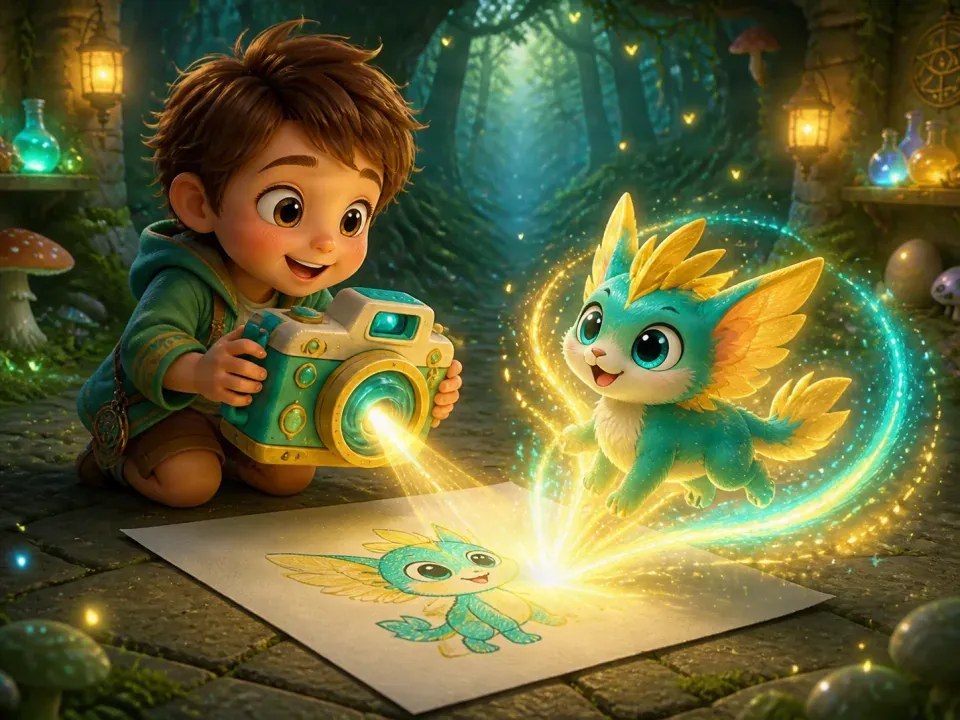
1. Let the child name the idea first
Try “Would you like to tell me who this is?” A shape that looks like a cat to you might be a flying dragon in the child’s story. Listen before deciding what needs explaining.
If the child does not want to talk yet, they can keep drawing. This is not a test of whether a picture is correct, and every detail does not need an explanation straight away.
2. Ask three useful questions, with room to pause
Ask about the subject, an important visual detail and what is happening. Let the child choose what matters. If the questions feel crowded, pause and give them room to add a line or change their mind.
- Who or what is this?
- Which color, shape or part matters most?
- What is it doing, or where does it live?
3. Put their words into a short description
Keep the child’s own words and add only the connections that make the idea clear. Avoid adding elaborate details they did not ask for. Here is a fictional example.
| What the child says | What you check | What the description keeps |
|---|---|---|
| “It is a little dragon.” | Which colors and details matter? | A green dragon with yellow wings and two very large ears. |
| “It is looking for something.” | What is it looking for, and where? | It stands in grass, looking down for a leaf. |
| “Do not make the ears small.” | Large ears are essential. | Keep the two very large ears. |
4. Read it back and invite a correction
Ask “Is that what you meant?” If speech input helped, look at the recognized words together and check names and colors. Correct the mistaken word rather than asking the child to repeat the whole description.
When the child changes an idea, change that sentence. A written description should help them express their intention, not require them to agree with your version.
5. Try a digital tool only if it adds something
The next step can be more drawing on paper. If you want to explore InSyncCircle, use a currently available creation entry with a parent’s involvement. Review its resource cost, permissions and input requirements before deciding to generate.
Keep the drawing clear in a photo and leave out unrelated people and personal information. Save the original so the child can continue changing it.
6. Compare the idea, not the child’s drawing ability
After generation, ask what still feels like the original character, what the child likes and what looks different. Choose one important detail to revisit, or stop. A perfect-looking result is not required.
AI reinterprets its inputs and can change proportions, actions and details. Its polish does not measure the child’s ability. If the result is unwelcome, returning to the original drawing is a worthwhile choice.
Common Questions
Does the description need to be long?
No. Start with the subject, important appearance and action, then check the one or two details that matter most. Length is not the goal.
What if the result is not what the child imagined?
Let the child point out the difference and decide whether to change one detail or pause. Do not explain the difference as a problem with their drawing.
Read the description back so the child can say, “That is not what I meant.”
From Kids’ Drawings to Creative PlayComparing membership features and costs? View Plans & Pricing