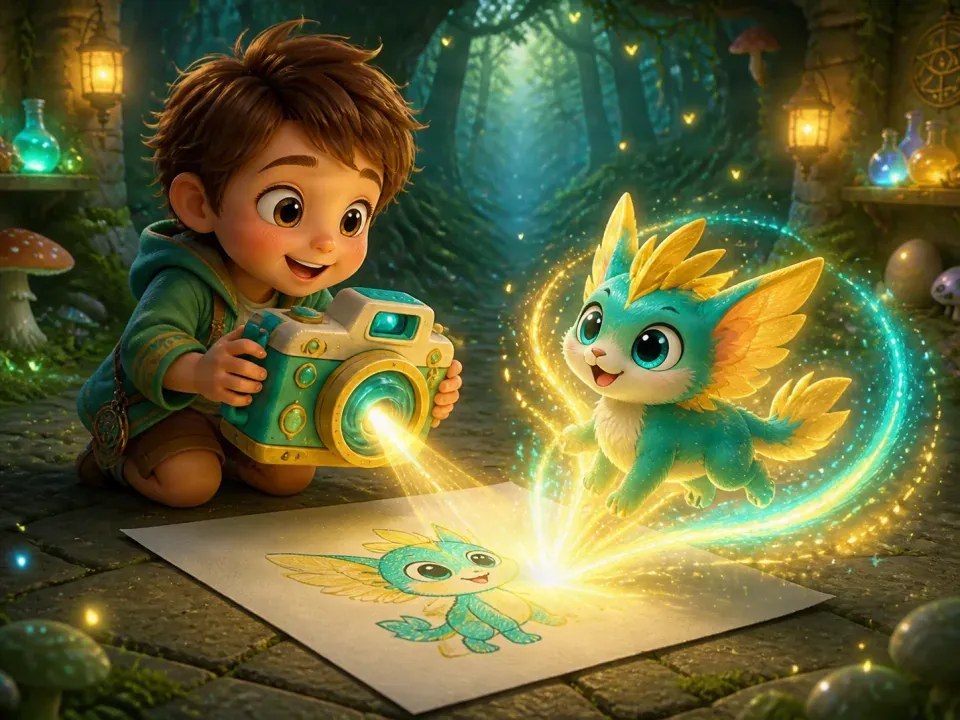
Keep the child’s own drawing first
Invite your child to draw a character or object, then ask about its name, colors and the details they most want to keep. A simple sketch is enough to start that conversation.
Photograph or select a clear view of the drawing, leaving out unrelated people and personal information. Keep the original rather than replacing it with a generated result.
Add the child’s description to the drawing
Choose a currently available creation type, such as a pet or outfit, and provide the drawing and text in the way that entry supports. Describe the subject, important colors and action before adding style words.
Input requirements, available types and permissions vary by entry. Check that you are creating the kind of object your child intended before continuing.
Check the resource cost before each attempt
Creative features may use AI and consume the resources shown in the app. Review the confirmation screen, balance and limits, and agree with your child on the scope of this attempt.
A generated result can differ from the drawing. Compare what kept the original idea and what changed before deciding whether another attempt is useful. Repeated generation is not a substitute for listening.
Look at what the tool kept and changed
This description example is fictional. It is not the actual input for the illustration and does not promise a matching result.
| The child’s idea | A detail to describe | What to look for |
|---|---|---|
| A little green dragon | A green body, yellow wings and round eyes. | Are the main colors and outline still there? |
| It is looking for a leaf | Standing in grass, looking down for a leaf. | Does the action still tell the child’s story? |
| The ears must stay large | Keep two very large ears. | Did the detail the child cared about survive? |
Let the child keep ownership of the idea
Supported creation flows let you save, review or use results. How an item can be displayed, equipped or placed in the growth world depends on that entry and the features currently available.
Ask what your child likes, and allow “that is not what I meant” as an answer. The polish of an AI result does not measure a child’s drawing ability. Returning to paper is a good next step too.
Common Questions
Will the result match the drawing exactly?
That is not guaranteed. Generation reinterprets the image and text, so colors, proportions and details can change. Agree on the one or two details that matter most first.
Is every generation free?
No free-use promise is made here. Check the current entry’s resource cost, balance, permissions and any subscription limits before continuing.
Understand the drawing first, then use the tool to support that idea.
Help a Child Describe Their Drawing IdeaComparing membership features and costs? View Plans & Pricing